What Does a Working Junkanoo Jam Prep Sheet Actually Require?
How do you prepare for second-round tournament games in Bimini when the opponent stays undecided until the night before tip-off?
You build a complete, modular system before boarding the plane. A working Junkanoo Jam prep package breaks into four specific pieces: a division-path cover index, one portrait roster page per team still in the Bimini or Junkanoo pool, a 1–20 November non-conference log with a roughly 1.5-inch pencil margin, and a projection-versus-confirmed visual lock. Every one of these four artifacts must be finished prior to departure for the Bahamas.
Waiting until the first-round buzzer sounds to start your research invites chaos. In a multi-team event format, the second-round opponent remains a named pool until the adjacent Day-1 game goes final, typically the evening before the next tip-off. Trying to compile rosters, pull game logs, and format sheets over strained hotel Wi-Fi after a late-night finish wastes critical recovery hours. When you look at tournament history, the staffs and broadcasters who navigate island turnarounds smoothly are the ones who treat second-day prep as a pre-trip packaging problem rather than a late-night research project.
Consider the late-November 2024 Junkanoo Jam window as the baseline reference cycle. By pulling the Junkanoo and Bimini division paths directly from the official bracket before travel, you already know every possible Day-2 matchup. Pre-building the entire pool means that when the final horn sounds on Day 1, your job shifts from frantic drafting to simple binder reorganization.
Step 1: Mapping the Official Bracket and Division Paths
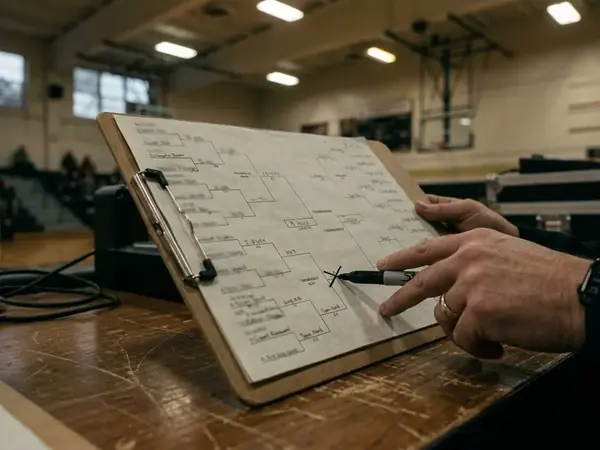
Start exclusively from the official tournament details, specifically the published brackets & schedules and the divisional split. That official sheet names your guaranteed opening opponent and defines the exact pool of second-day teams inside either the Junkanoo or Bimini division. Guesswork has no place on the cover page.
Your master cover index needs to map both the championship path and the consolation path. An opening-night loss still produces a Day-2 game with its own tip-off window, arena logistics, and broadcast assignment. Hold the index rows to exactly three slots per team path set:
- The Guaranteed Opener: Listed tip-off time, arena assignment, and broadcast window.
- Championship-Path Game 2: Specific tip time, court slot, and broadcast feed if your team wins on Day 1.
- Consolation-Path Game 2: Specific tip time, court slot, and broadcast feed if your team drops the opener.
Next, calculate the exact recovery and scouting windows from the first horn to the second tip-off using local clock time. When managing travel logistics in late November, remember that the Bahamas stays on Eastern Standard Time (UTC-5) with no seasonal shift. That matches U.S. Eastern time, sits one hour ahead of Central, and runs three hours ahead of Pacific. Programs flying in from Western or Central time zones have to account for that body-clock compression alongside the bracket turnaround.
Look closely at the cover-index planning band. If the Day-1 horn sounds between 9:00 p.m. and 10:30 p.m. local time, and the Day-2 tip falls between 2:00 p.m. and 7:00 p.m. the next calendar day, your gross turnaround gap runs from 15 hours 30 minutes to 22 hours. Once you subtract bus transport back to the resort, team meals, and sleep, the actual window for morning film study or walkthrough prep shrinks fast. Having the cover index pre-calculated tells you down to the minute how much scouting time exists before the team bus rolls back to the gym.
Step 2: Designing the One-Page Modular Opponent Sheet
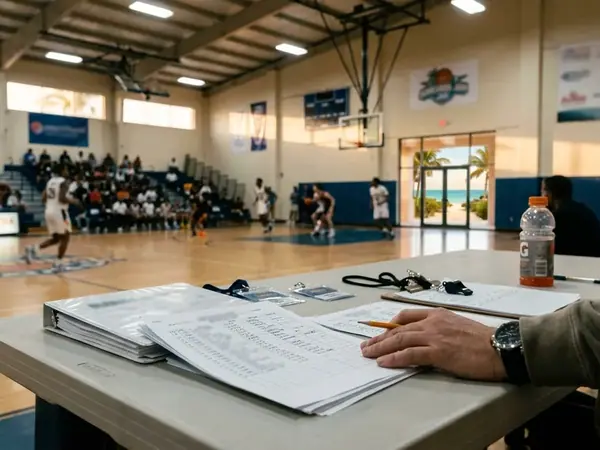
Bloated, multi-page school media packets fail courtside. When a fast-paced island game hits a dead ball, scouts, media crews, and courtside analysts cannot flip through around twelve stapled pages to track a substitution or verify who just picked up a third foul. Enforce a strict one-page-per-team rule using a portrait letter layout.
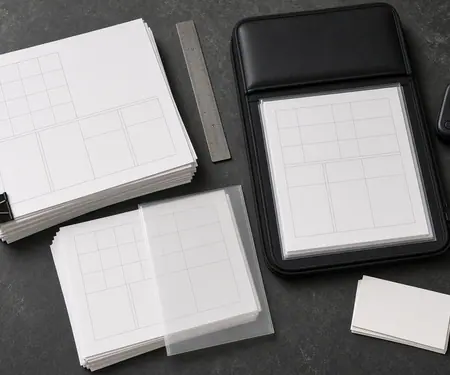
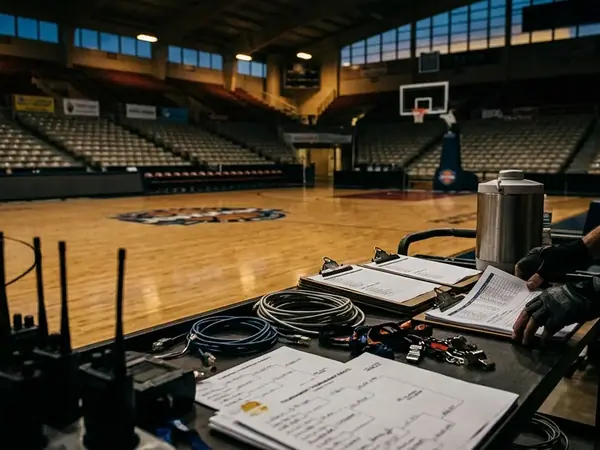
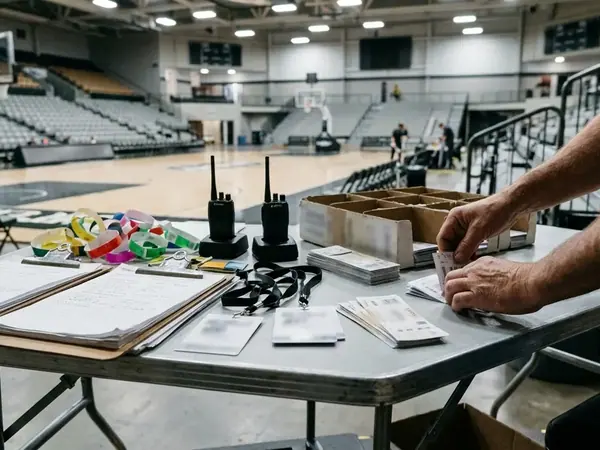
The physical geometry of the press table dictates this constraint. Before travel, run a side-by-side check: two teams' full pages must stay completely visible at once on a single aluminum clipboard or a single tablet screen held in landscape orientation. If you have to scroll or turn a page to find a bench player, the layout is too dense.
Dedicate the top half of that portrait page to core roster architecture. Because live substitutions and foul trouble are tracked by jersey number first, list the players in strict numerical order rather than by scoring average or position. Keep the grid above the fold by stopping at the starting five plus the primary bench rotation that actually saw the floor in early November games—typically four to seven additional names.
Every player row on the top half should lock in five clean data points on a single line:
- Jersey number (sorted low to high)
- Player name with a clear visual mark separating starters from the primary bench
- Listed height
- Academic class year
- Phonetic name spelling copied directly from the school's official media guide
Putting height, class year, and phonetic pronunciations on the exact same row as the jersey number eliminates eye-jumping during live action. You look at the floor, spot the number, and have the player's size, experience level, and correct pronunciation in one glance.
Step 3: Layering Early-Season Results and Tactical Notes
With the roster grid locked into the top half of the page, the bottom half captures what each team actually did on the court before flying to the islands. Populate this section exclusively from completed early-season games played prior to departure. For a Thanksgiving-week tournament window, print the results dated 1 November through 20 November 2024. Pulling verified NCAA basketball statistics and game logs from that three-week window gives you concrete evidence of how each roster handled comparable non-conference competition before packing for Bimini.
Beneath the game log table, condense your qualitative scouting into a fixed, four-field team identity line. Keeping this summary tight ensures it fits cleanly under the roster grid without pushing text onto a second page:
- Defensive Lean: Note whether the squad plays man-to-man or zone, and specify which look appeared more often across those November games.
- Pace of Play: A concise qualitative note on tempo and transition habits.
- Three-Point Volume: A qualitative observation comparing their perimeter shooting appetite against their own recent outings, written without attaching a raw percentage rate.
- Late-Game Scoring Option: The primary player or action the coaching staff leans on in crunch time.
Courtside Margin Geometry
Leave an empty right margin of about 1.5 inches and a 1-inch footer at the bottom of the sheet. Size these blank blocks specifically to hold five short pencil lines written in the stands while watching your potential opponents play their opening-round Junkanoo Jam game in person.
Those five handwritten lines bridge the gap between November paperwork and Bahamas reality. When you sit in the bleachers scouting the adjacent bracket game on Day 1, use that margin of close to 1.5 inches to jot down exactly who played heavy minutes, who picked up early foul trouble, and what defensive coverages the staff showed that night.
Step 4: Updating Sheets Live Without Confusing Projections and Confirmed Games
The boundary between preparation and execution is the adjacent Junkanoo-path or Bimini-path final horn: every second-day page remains a projection until that horn sounds, and only the surviving opponent's page may occupy the active game-day slot afterward. Because projected pages and the eventual confirmed game-day page live inside the same travel binder, their status must be unmistakable at a glance.
Before leaving home, apply one distinct visual status mark to every candidate page: a grayed-out header, a bold "IF WIN / IF LOSS" watermark across the top, or a separate colored folder tab keyed to the official bracket paths. However, a watermark alone will not prevent mix-ups if printed candidate sheets placed in the active game-day slot before Day 1 goes final share the same cardstock color and header weight as the confirmed opener page; in the rush of game day, identical paper stock gets misread as the official schedule. Keep candidate sheets physically behind their divider tabs or printed on contrasting secondary stock until the bracket resolves.
Once the final buzzer sounds on the adjacent Day-1 game, execute a strict three-step post-horn workflow within the first 60 to 90 minutes. Reversing this order risks contaminating your active clipboard with dead scouting notes:
- Archive the Eliminated Opponent: Pull the losing team's modular sheet (or the winning team's sheet, if you are dropping into the consolation bracket) out of the candidate pool and file it in the back archive pocket so it cannot mingle with tomorrow's prep.
- Promote the Confirmed Opponent: Move the surviving opponent's modular sheet out of the tabbed projection section and lock it into the active game-day slot right behind your cover index.
- Transfer Live Notes: Copy the five pencil lines covering rotation shifts, early foul trouble, and defensive looks from your Day-1 scouting margin cleanly onto the active game-day sheet.
This exact four-step architecture works across both digital and analog setups. You can carry the templates inside a cloud spreadsheet to edit after the horn, or rely on pre-printed cardstock pages assembled before departure so your active slot never depends on arena connectivity. Before your flight touches down in Bimini for tip-off, which failure point are you willing to own: hunting for a stable courtside wireless signal to update a digital tablet after a 10:30 p.m. horn, or carrying the physical weight of pre-printed cardstock for teams you will never play?