The Final Buzzer Starts the Media Clock
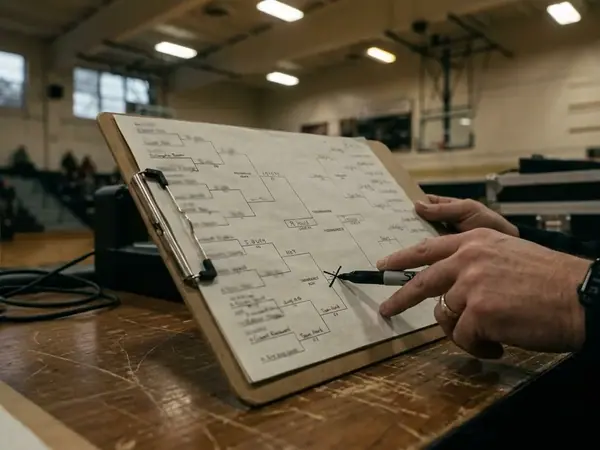
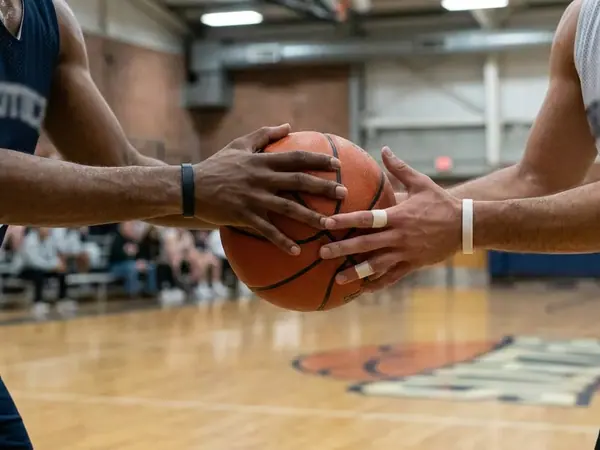
The horn sounds. Players turn toward the handshake line, photographers shift along the baseline, and the floor crew waits for a clear lane. For everyone covering the game, the next assignment has already started.
The floor typically takes 90–150 seconds to clear before the first credential check at the baseline rope. Those seconds expose weak preparation quickly. A reporter who has misplaced a badge, missed the cooling-off start, or left the live-stat page buried under browser tabs will spend the opening postgame window catching up.
Successful NCAA women’s basketball tournament coverage rests on three connected pillars: access, protocol, and workflow. Access determines where a credential holder may work. Protocol controls when coaches and student-athletes become available. Workflow keeps statistics, quotes, equipment, and deadlines moving through a multi-game day.
Working rule: Start the 10-minute women’s cooling-off clock on the official final signal, rather than the handshake line.
That distinction matters because several processes run at once. The workroom portal is ingesting the official book. Session folders are expected 8–12 minutes after the buzzer. Staff members are resetting the floor, while reporters are deciding whether to remain courtside, move to the press conference area, or return to the workroom.
I treat the sequence as one continuous assignment: protect access first, follow the interview order, then file from a workspace prepared before tip. Splitting those duties into separate mental checklists creates gaps at exactly the wrong moment.
Credentials, Courtside Seats, and the Baseline Rope
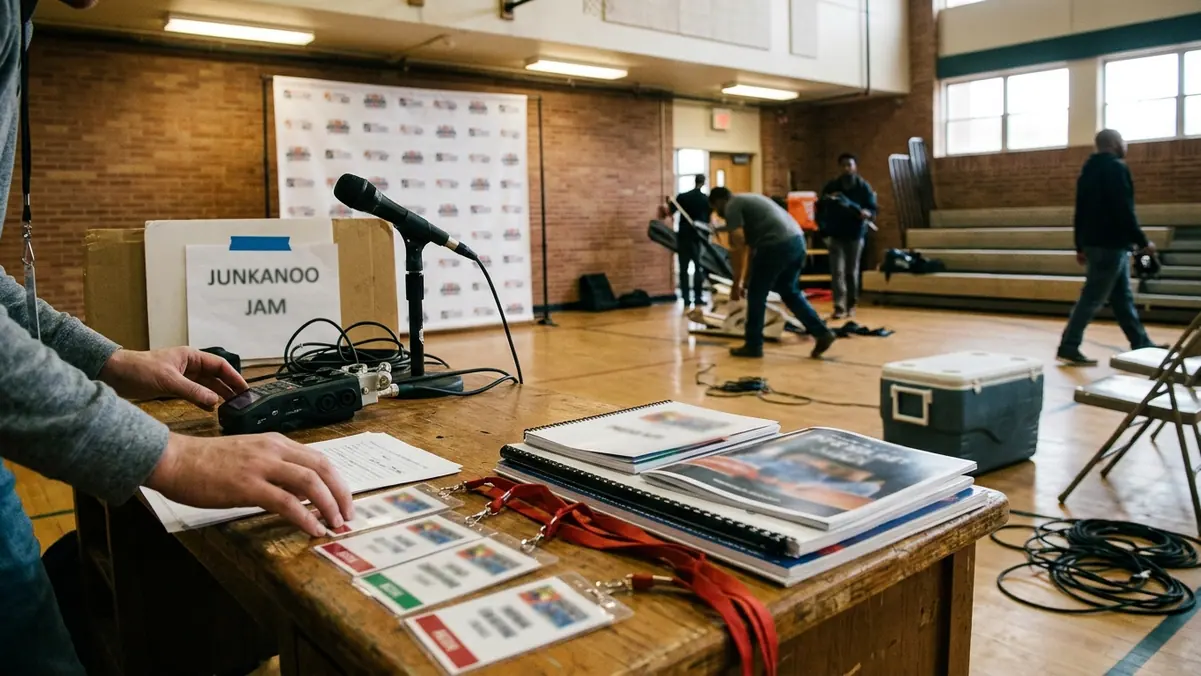
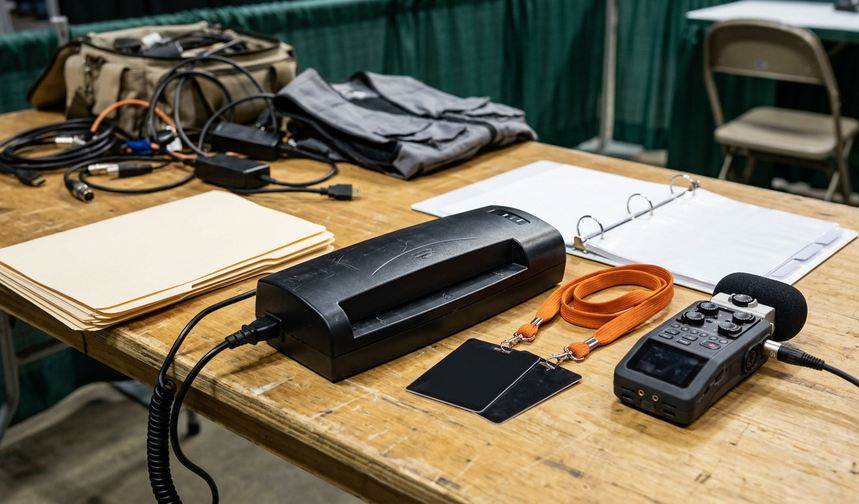
Credential planning begins well before the travel day. Applications for the island women’s sessions are filed 18–24 days before the first tip. Build that date into the assignment calendar alongside transportation and lodging; waiting until arrival removes the margin needed to resolve an access question.
From Application to Media Desk
- File during the application window. Match the request to the games and duties attached to the assignment.
- Confirm the approved access. Read the credential designation before planning a courtside workflow.
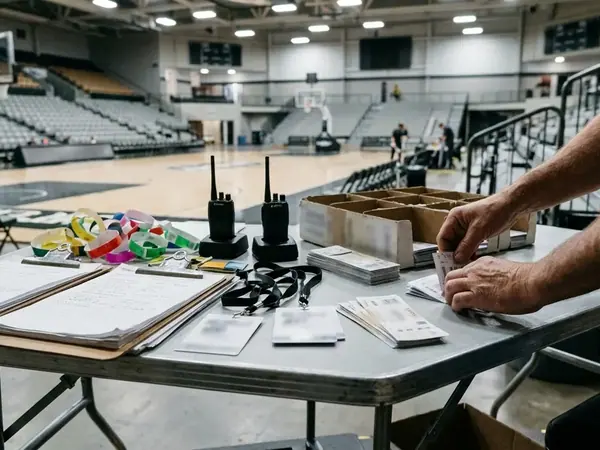
- Collect the badge on time. Media-desk pickup runs from 90 minutes before the first scheduled tip through 30 minutes after that tip.
- Locate each working zone. Find the workroom, assigned seating area, interview location, and baseline boundary before play begins.
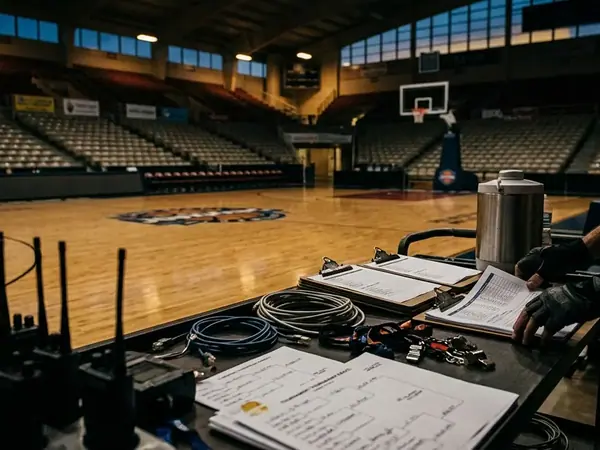
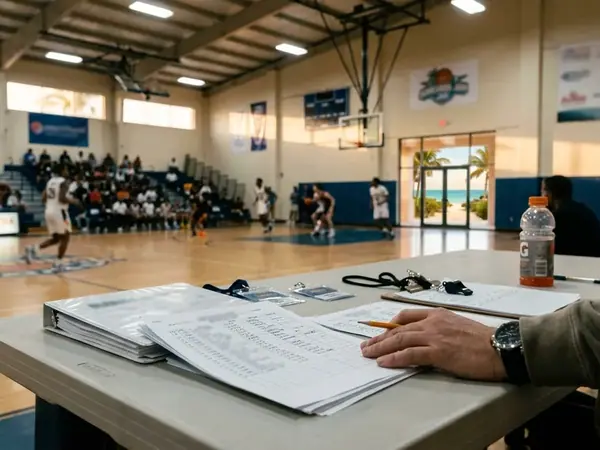
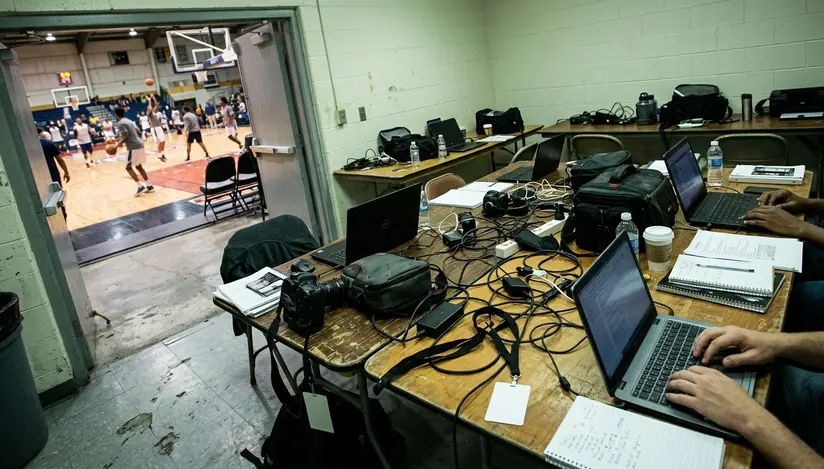
The workroom and courtside serve different purposes. The workroom supports writing, charging, asset downloads, and deadline filing. Courtside places an assigned reporter close to live action. General admission areas remain spectator spaces and do not substitute for designated media positions.
Badge Boundary
A workroom credential does not unlock the opposite-sideline row of 12–18 courtside seats. Those chairs remain heavily prioritized for primary beat writers and national outlets covering the women’s bracket. This scope applies to the island session setup described here; a credential grants the access printed on it rather than every available media position.
Do not wait beside an open chair in the hope that it becomes available after another outlet files and leaves. Seat assignments continue to govern the row. Ask the media desk where to work, then establish a route between that position and the workroom that stays clear of team and event operations.
Live Statistics, Box Scores, and the Session Portal
The working packet now arrives in layers. During the 2018 women’s season, USB-stick packets were still routine. Sessions since 2022 have shifted the core operation to portals, even though sports information directors may place a short printed notes run at the workroom door before the first game.
When those printed notes appear, the set runs 20–40 pages. Treat it as a quick reference rather than the sole record. The digital folder carries the material needed across devices and through later sessions.
Prepare the Asset Stack Before Tip
- Open and save the official live-stat URL.
- Download current game notes and rosters to the laptop rather than relying on continued portal access.
- Create separate local folders for each game in the session.
- Confirm where the official postgame box score will appear.
- Keep historical tournament records with the relevant team notes.
SID game notes, rosters, and historical tournament data go online 36–48 hours before the opening tip of each session cluster. That window is the right time to mark spelling, class year, prior results, and the tournament-history references likely to matter in the story.
During play, the official live-stat feed refreshes every 1–2 seconds. It freezes at the official final. That behavior is expected, so a frozen final screen does not mean the signed box score has posted. The box score follows through the workroom portal 4–7 minutes after the official book is signed.
Separate the Feeds
Keep live statistics and the postgame PDF in separate tabs. One can stall while the other remains available. Save the live-stat address before tip in case the main portal hangs during the busiest part of the session.
A clean asset routine prevents a common reporting error: lifting a final number from an updating feed and treating it as the signed record. Use the live feed for in-game orientation. Use the official box score for the filed account.
The Ten-Minute Cooling-Off and Interview Order
Postgame interviews follow a fixed sequence: cooling-off, official dais, then approved one-on-one requests. The media desk honors that order because it gives teams time to leave the floor, collect themselves, and move through a predictable press schedule.
Run the Postgame Window in Order
- Start the clock at the official end-of-game signal. The mandatory cooling-off period lasts 10 minutes.
- Write the one-on-one request during cooling-off. Submit it at the SID table rather than approaching a coach or student-athlete directly.
- Attend the official press conference. Capture the shared answers before pursuing a narrower follow-up.
- Wait for the request decision. One-on-one requests are answered within 5 minutes after the dais ends.
The official press conference generally runs 12–18 minutes. The head coach speaks first for 6–8 minutes. Two to three selected student-athletes then appear for a combined 4–6 minutes. Arrive with short questions that can survive a crowded room; a long setup consumes the limited window and often buries the point.
Requests filed out of sequence are declined at the SID table. The practical solution is simple: write the player or coach name, outlet need, and subject while the cooling-off clock runs. Keep the request narrow enough for staff to route and evaluate promptly.
One-on-one access remains an extension of the organized media process. Follow the NCAA’s standard collegiate media guidelines, respect the response from the SID table, and avoid intercepting participants between the court and team areas.
Question discipline: Use the dais for the game’s central decision or turning point. Reserve a one-on-one request for a detail that the shared session could not reasonably cover.
Keeping a Two-Session Day on Deadline
A two-session island schedule leaves little room for a reset elsewhere. The floor turns in 75–90 minutes, so the workroom becomes the charging station, editing desk, archive, and transmission point between games.
Build for a Full Equipment Cycle
Laptops are expected to cover 5–7 hours of continuous workroom-plus-courtside use. Begin with the computer and phone charged, keep the power adapter reachable, and use available power during warmups rather than waiting for a low-battery warning during the press conference.
Equipment should pack in filing order. The laptop, charger, phone cable, headphones, notebook, and credential need to come out without emptying the entire bag. A small amount of physical organization pays off when the next ball-up is approaching.
Split Every Game at the Source
Create the game-one quote file before opening a document for game two. Quote files are split per game before the next tip so the second set of notes cannot overwrite unsaved copy from the opener.
- Name the file with the participating teams and session.
- Place coach and student-athlete quotes under separate labels.
- Save the official box score beside the notes from that game.
- Mark any quote that still needs verification before beginning the next file.
When filing time is tight, draft the structural pieces early. The score line, central game development, and verified statistical frame can be organized before the interview room opens. Add the strongest postgame material once the dais concludes.
Second-Tip Buffer
Island workroom Wi-Fi commonly saturates 10–15 minutes after the second session tips. Use a wired drop or phone tether as the standing backup. Test that route while the primary connection still works; a backup discovered at deadline is merely another task.
Women’s Session-Day Media Kit
- Pick up credentials within the media-desk window around the first tip.
- Save the official live-stat URL before play begins.
- Download notes, rosters, and tournament-history files for local access.
- Start cooling-off on the official final signal.
- Separate quote and box-score files by game before the next ball-up.
- Keep the wired or tethered connection ready for the second session.
Troubleshooting follows the same order as the event. If the portal stalls, use the saved live-stat address and local notes. A live feed frozen after the final simply means waiting for the signed box-score PDF. When connectivity slows, move to the tested backup rather than repeatedly refreshing a congested wireless connection.
The Last File from the Quiet Workroom
Night-session filing windows for next-morning web coverage typically close 55–75 minutes after the final buzzer. By then, access and interview decisions have already been made. The remaining job is assembly: confirm the official score, select the decisive quote, check names against the roster, and transmit through the strongest available connection.
The workroom grows quieter as that clock runs. Housekeeping reaches the lower bowl 20–30 minutes after the last media timeout of the night, and the scrape of brooms across the bleachers replaces the noise of the student sections.
One reporter remains at the end of a table. The game-one quotes sit in their own folder. The signed box score is open beside the draft, and a phone tether waits next to the laptop in case the island Wi-Fi slows again. On the court beyond the doorway, arena staff sweep the final rows under half-lit scoreboards.
The reporter checks the coach’s name once more, trims a sentence from the lead, and presses send. The confirmation appears in the laptop’s glow before the filing window closes.